Skip Navigation

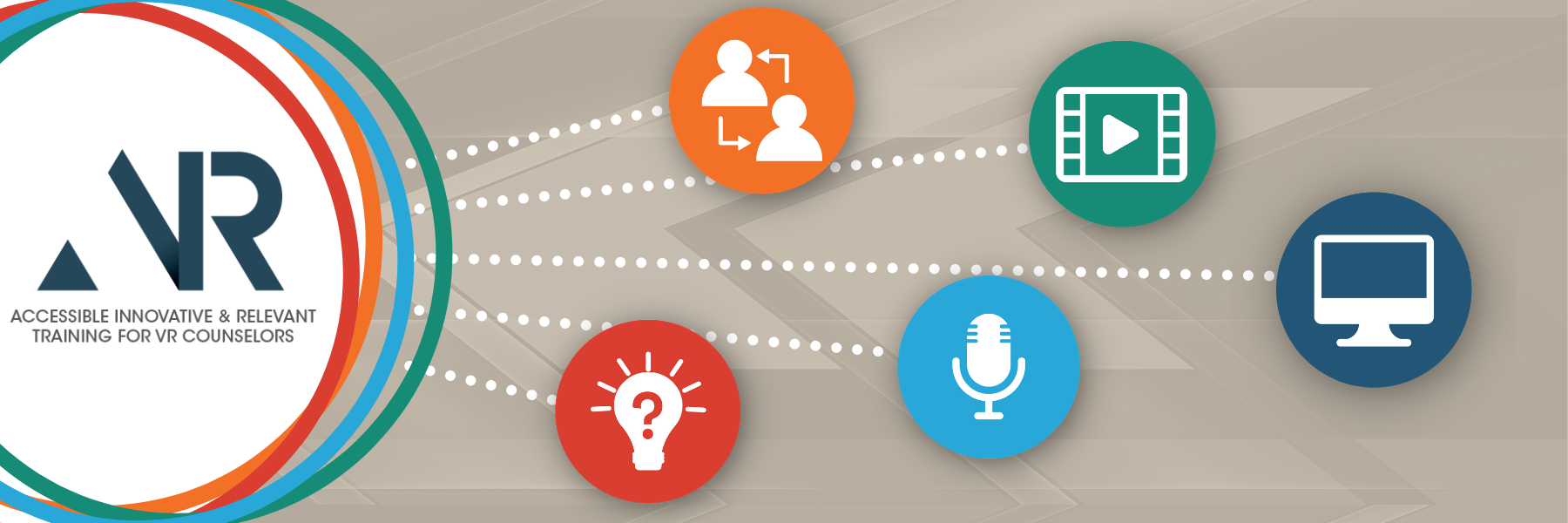
AIR Course Banner featuring 5 icons representing the 5 elements of the curriculum including a computer for online classes; a microphone for podcasts; a filmstrip for videos; people for skill engagement exercises, and a lightbulb for the community of practice.

We are about to embark on an adventure of discovery. Will you join us?

Our goal is to uncover the most effective way to help VR personnel build skills and confidence working with 1) youth with disabilities and 2) employers. We invite you, a key player in that discovery, to join us. But first, we have a few questions:

  • How confident are you in your understanding of Pre-Employment Transition Services (Pre-ETS)?
  • How confident do you feel working with youth with disabilities, aged 14 to 16, in a group setting?
  • How confident do you feel working with employers to cultivate work-based learning experiences for youth with disabilities?

Did you answer: Confident? Kind of confident? Not confident? Word on the street is that manyVR professionals don't feel confident in these areas. If you're one of them, don't worry. We're doing our best to identify how to improve your skills and confidence. But we need your help to do it.

What's in it for you?

Members of our team who have worked in the field know how busy you are wrangling the endless stream of changes and challenges in VR. Likewise, we've worked hard to combine key information, best practices, tools, and resources in one value-added package that is worth your while.

For you, we are offering:

L E A R N Informative Online Courses
Computer icon
  • Available 24/7
  • Accessible Formats
  • Offering Continuing Education Credits
L I S T E N Insightful Podcasts
Microphone icon
  • Featuring the challenges and insights from a variety of perspectives: VR counselors, youth with disabilities, parents, advocates, and job developers, among others
  • Available for you to listen in anywhere, anytime
O B S E R V E Immersive videos
Video filmstrip icon
  • Two-part instruction videos illustrating 1) common missteps and 2) best practice corrections
  • Filmed in 360 degrees for an immersive experience, placing the viewer in the scene
  • Available for viewing 24/7
D O Innovative Practice Opportunities
People engagement icon
  • Skill Enhancement Exercises with
    • Live avatars in virtual simulation environments, or
    • Colleagues role-playing in virtual reality environments using VR headsets
S O L V E Interactive Online Communities
Community of practice icon: a question mark inside a lightbulb
  • Develop leadership skills
  • Share current challenges
  • Co-create solutions

What's expected of you?

We ask that you commit to:

  • Complete three focused online courses.
  • Watch videos embedded in courses.
  • Listen to the podcasts featured in the courses and those that interest you.
  • Participate in skill enhancement exercises; two in individual counseling, two in group work, and two in employer engagement.
  • Participate in a Community of Practice
  • Share your feedback

Are you still with us? Great! Next, we'll provide an overview that details the program and highlights its uniqueness.


This project is funded through a grant award from the US Rehabilitation Services Administration in Innovative Training (H263C190013). It was awarded to the West Virginia University Research Corporation, the faculty of the West Virginia University Department of Counseling and Learning Sciences, Clinical Rehabilitation, and Mental Health Counseling program; Reed College of Media; the University of West Georgia, and UWGLive Simulation Labs, featuring virtual avatars viaMursionsimulations and scenarios.

All materials are products of the grantee and do not necessarily reflect the position or policy of the US Department of Education and no official endorsement should be inferred.